
If you’ve ever owned an Apple Watch, you’ve probably seen it play a little buzz to push water out after a swim. iPhones don’t have that feature built in. So when your iPhone sounds muffled after getting wet, you’ve got three real options.
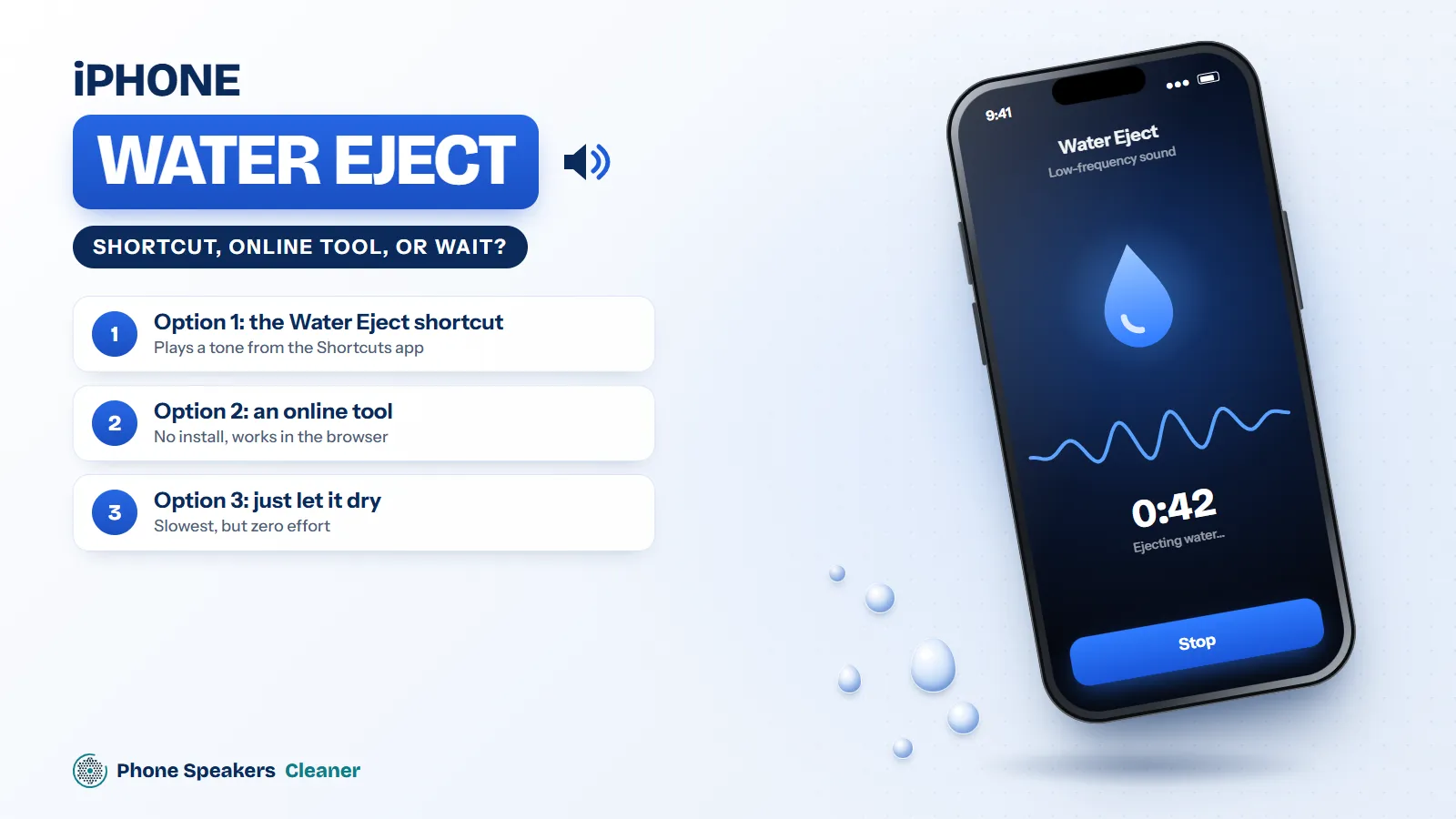
Option 1: the Water Eject shortcut
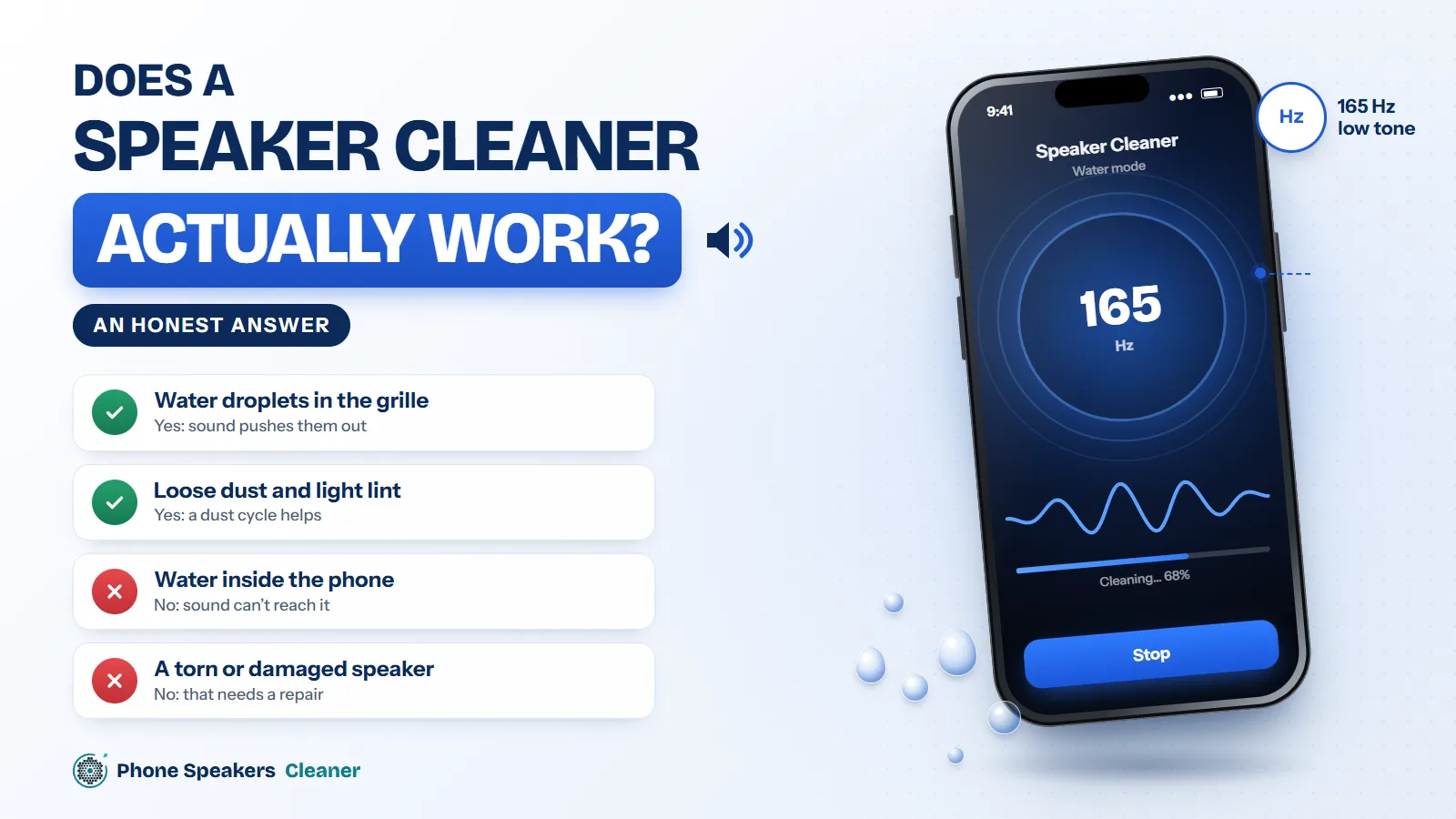
There’s a popular community-made Shortcut, usually called Water Eject, that plays a low tone through the speaker. It works on the same idea as any speaker cleaner. The catch is that you have to find it, trust a shortcut from someone you don’t know, and install it, which is a lot to ask when you’re standing there with a dripping phone.
Option 2: an online tool
A browser-based phone speaker cleaner does the same job with nothing to install. Open the page in Safari, turn the volume up, and press start. One thing trips people up on iPhone: silent mode mutes sound from websites. If you can’t hear anything, flip silent mode off first (the ring switch on older models, or the Action button setting on newer ones).
Option 3: just let it dry
Apple’s own advice for a wet iPhone is simple. Tap it gently against your hand with the charging port facing down to let the liquid run out, then leave it somewhere dry with some airflow. Apple specifically says not to use a hair dryer, compressed air, cotton swabs or a bag of rice. Honestly, given enough time, a lot of speaker muffling clears up on its own.
So which one?
If the phone just had a light splash and the speaker sounds dull, a sound tool is the fastest fix. Combine it with Apple’s tapping method and you usually get clear audio back in a few minutes. If the phone went fully under, dry it properly first. Our guide to the first hour after a phone gets wet covers that.
About the liquid detection alert
Newer iPhones warn you if they detect liquid in the charging port. Take that seriously and don’t charge with a cable until it clears. Playing a cleaning tone is fine, because that’s the speaker, not the port.