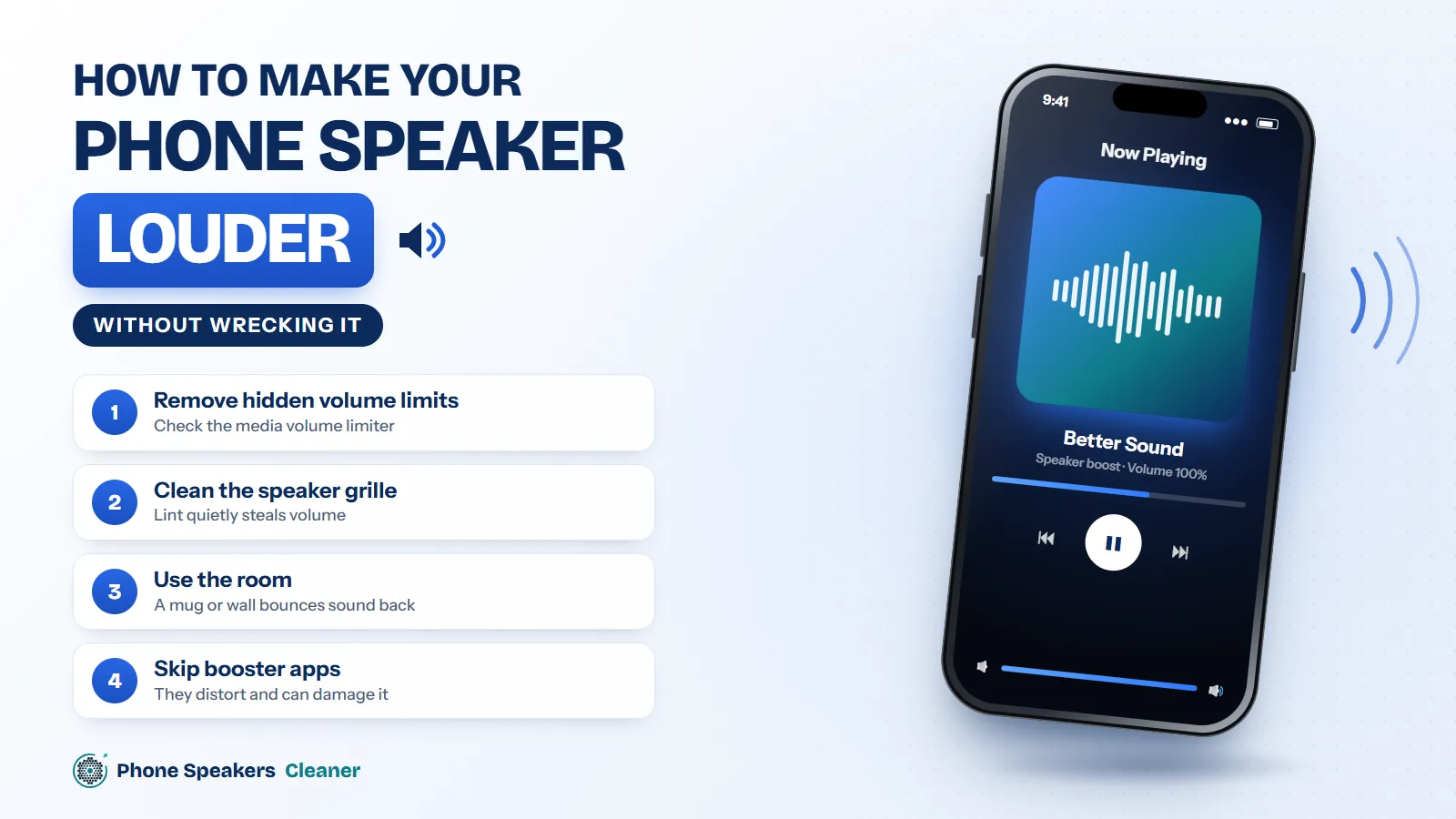
How to make your phone speaker louder (without wrecking it)
Your phone is probably quieter than it needs to be. Here are the settings, the cleaning and the cheap physical tricks that actually add volume.


A free phone speaker cleaner that plays low 165–230 Hz tones to shake water, dust and lint out of your speaker grille. It runs in your browser, takes about a minute, and needs no app.
Turn your volume up, point the speaker down, then start cleaning.
What’s wrong with the sound?
Pulses of 165 Hz push droplets out of the grille. Each pause lets the water settle toward the opening before the next push.
A slow sweep from 165 to 300 Hz shakes the mesh at several frequencies, so dust stuck in different spots loosens up.
Pick an exact frequency when you want manual control. Low tones between 150 and 250 Hz move the most air for cleaning; higher tones are useful for checking crackle or buzz.
Presets
Waveform
Volume
Check that each speaker works after cleaning. Many phones have stereo speakers: one at the bottom and one in the earpiece. The sweep runs from 20 Hz to 20 kHz so you can hear where sound cuts out or rattles.
One cycle takes about a minute. Most muffled speakers sound clear again after one to three cycles.
Set media volume to maximum and switch off silent mode. Louder sound moves the speaker cone further.
Hold the phone with the grille facing the floor, or lay it face-up on a towel with the bottom edge hanging over.
Press start and keep the phone still until the ring fills. You may see tiny droplets on the grille.
Play a song you know well. If it’s still muffled, wait a minute and run another cycle.
When water sits in the speaker grille, it blocks the tiny holes and dampens the speaker cone. That’s why sound turns quiet, crackly or muffled after rain, a splash or a shower.
The phone speaker cleaner plays 165 Hz in short pulses. Each pulse moves the cone back and forth with enough force to push droplets out through the mesh. The short pauses give loose water a moment to gather near the opening.
If your phone was fully underwater, switch it off, dry the outside and let it air-dry before you turn it on. Don’t charge it while the port is wet. Read what to do in the first hour.
Pocket lint and dust pack into the grille slowly, so the sound fades over weeks rather than all at once. A sweep from 165 to 300 Hz shakes the mesh at several frequencies, which loosens particles that a single tone can miss.
After a dust cycle, brush the grille gently with a soft, dry toothbrush, moving across the holes rather than into them. For lint that’s packed in, a small piece of blue putty pressed lightly against the grille and lifted straight off works well.
Avoid pins, needles and toothpicks. They can puncture the mesh or push debris further into the phone.
A speaker makes sound by moving a thin cone back and forth. Low frequencies move it the furthest, so the air in front of it pushes hardest against whatever is sitting in the grille. That push is what moves droplets and loose dust. More on how well it works.
Sound can only clear the grille. If audio is still distorted after three cycles, the speaker may be damaged, water may be inside the phone, or the issue may be software. Restart the phone, check for updates, and if nothing changes, take it to a repair shop.
Fixes for muffled, quiet and crackling phone speakers, and what to do when water gets in.
Your phone is probably quieter than it needs to be. Here are the settings, the cleaning and the cheap physical tricks that actually add volume.
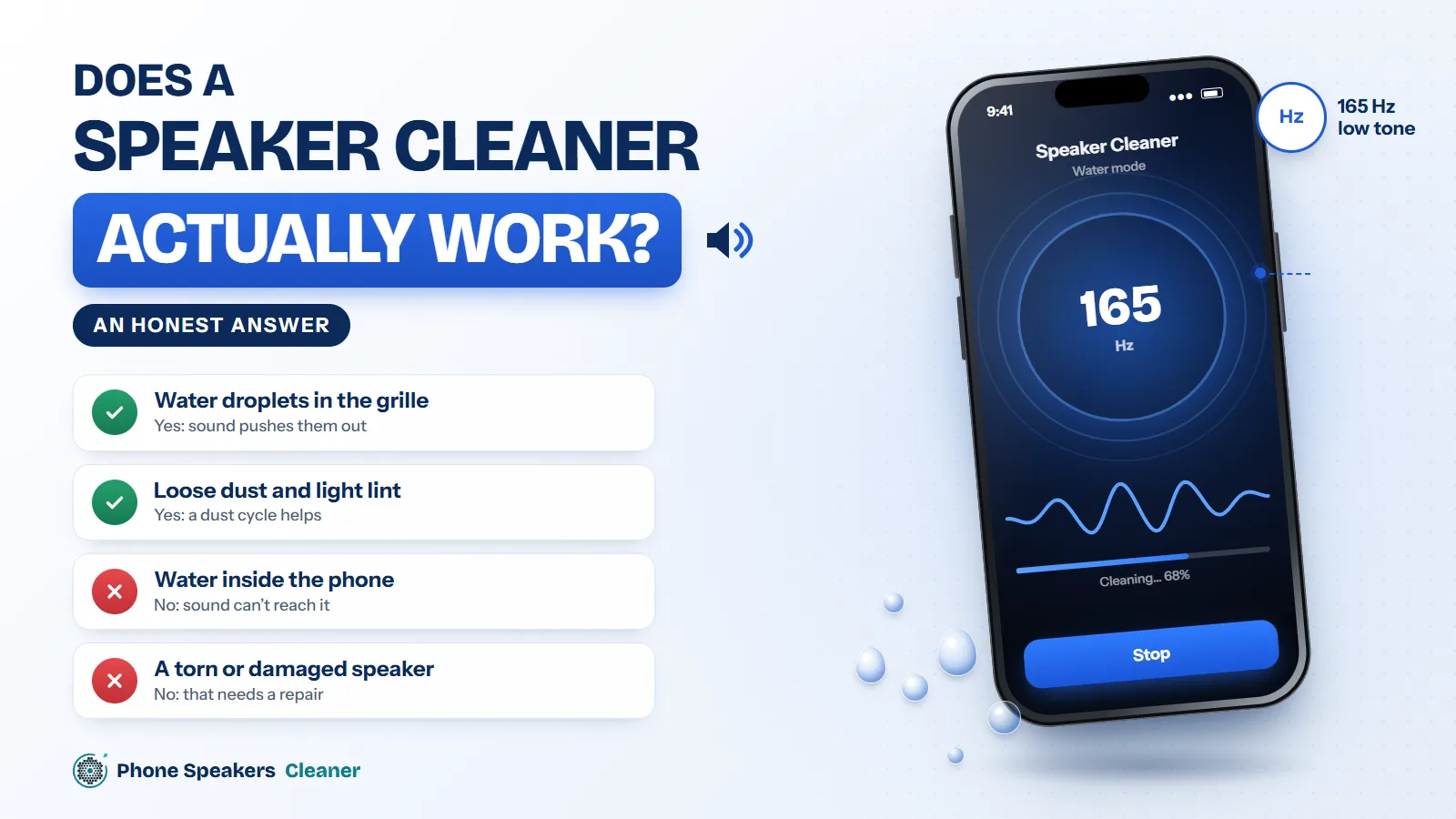
Speaker cleaner tones get a lot of hype. Here’s what they can really do, what they can’t, and why 165 Hz became the number everyone uses.
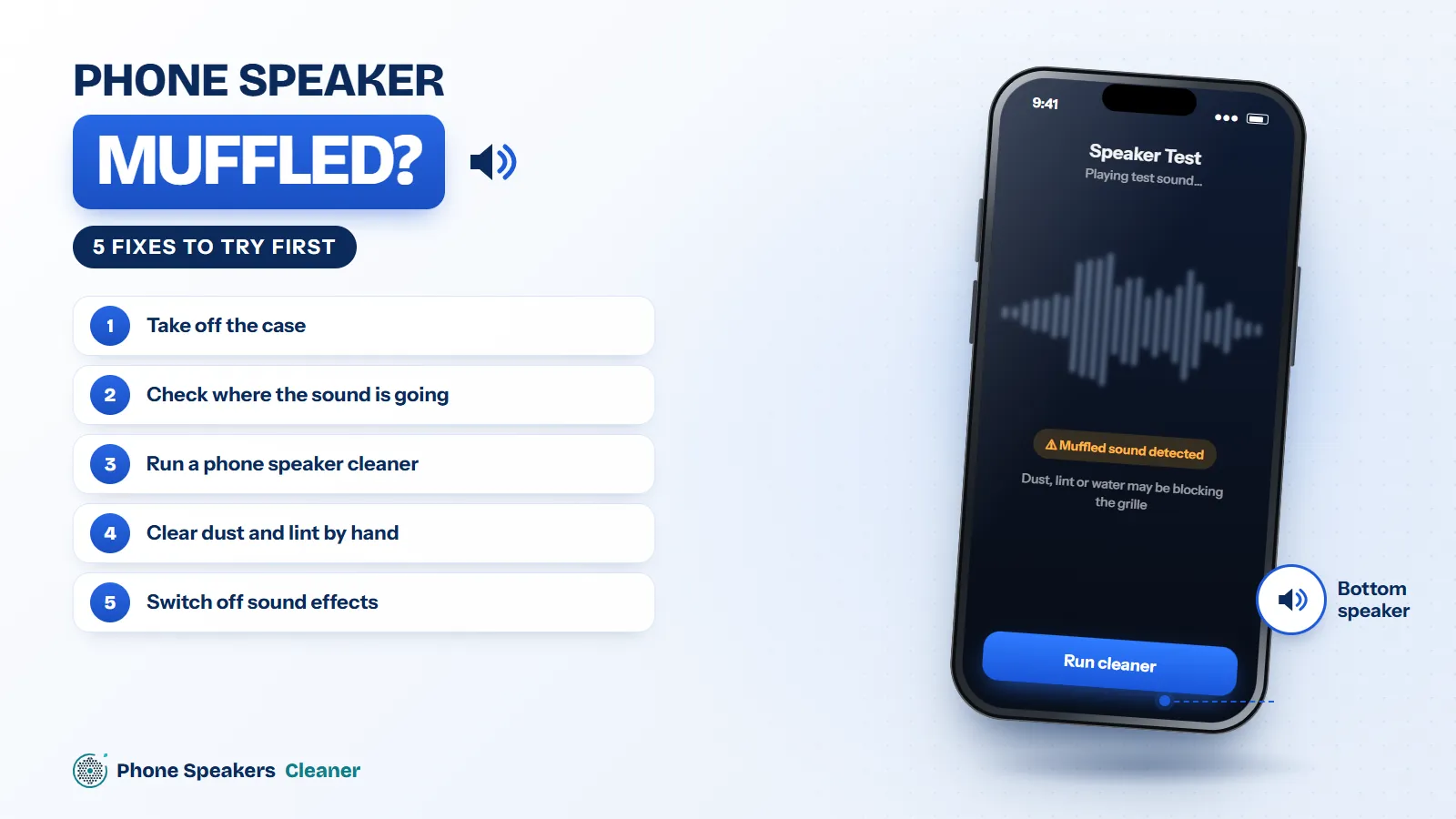
Most muffled phone speakers are blocked, not broken. Here are five fixes in the order worth trying, from a 10-second check to a full cleaning cycle.
It helps with light moisture and loose dust in the speaker grille. Low tones make the speaker cone move further, which pushes droplets and loose particles out through the mesh. It can’t repair a damaged speaker or remove water from inside the phone.
165 Hz is the most common choice. It moves the speaker cone a long way without sounding harsh. For dust, a slow sweep between 165 and 300 Hz covers more of the speaker’s range.
Yes, at your phone’s normal maximum volume these tones stay inside the speaker’s design range. Stop if you hear rattling or distortion, and rest a minute between cycles.
Silent mode mutes sound from websites in Safari. Turn silent mode off, raise the volume and disconnect Bluetooth headphones.
Two or three cycles is usually enough. Play music between cycles to check, and stop once the sound is clear.
Browsers play sound through the main speaker, so a website can’t usually target the earpiece. For the earpiece, use a dry, soft brush.
If the phone was fully submerged, switch it off, dry the outside and let it air-dry before using it. Use the cleaner for leftover muffled sound once the phone works normally, and don’t charge it while the port is wet.
No. The sound is generated in your browser. The tool never uses your microphone and sends nothing to a server.