
Water resistance ratings are tested in clean, still fresh water in a lab. Real life brings pools, sea water, drinks and toilets, and seals wear out with age. So treat any proper dunk as serious, even with a water-resistant phone.
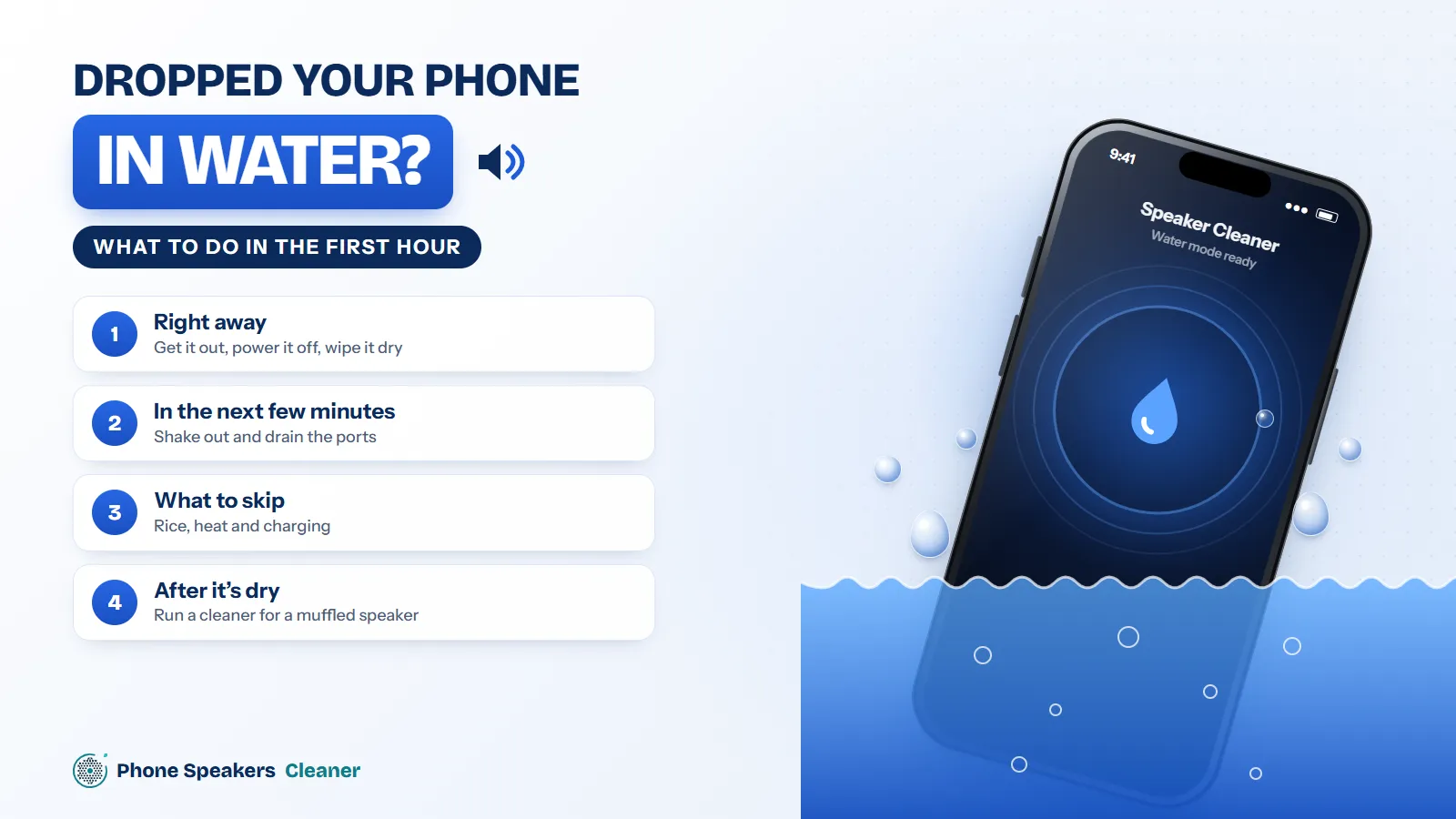
Right away
- Get it out fast. Seconds matter.
- Switch it off if it was fully submerged. Power running through wet circuits is what does the real damage.
- Don’t plug it in. Charging with a wet port can corrode the contacts.
- Take off the case and pop out the SIM tray so air can get in.
In the next few minutes
Wipe the outside with a lint-free cloth. Hold the phone with the charging port facing down and tap it gently against your palm to let water drain from the openings. Then leave it somewhere dry with moving air, like in front of a fan on low.
What to skip
Rice doesn’t pull water out of a phone, and it leaves starch dust in the ports. Hair dryers, ovens and radiators can hurt the battery, the screen and the adhesive that keeps the phone sealed. Sea water or a sugary drink is worse than fresh water; if that’s what happened, get it to a repair shop sooner rather than later.
After it’s dry
Give it several hours, ideally a full day, before charging. Once the phone works normally, any leftover muffled sound usually means water is still sitting in the speaker grille. That’s when a phone speaker cleaner helps: its 165 Hz pulses push the last droplets out of the mesh.
When to get help
Fog inside the camera lens, a flickering screen, a battery that drains fast or a phone that runs hot are signs water reached the inside. Don’t wait on those. Corrosion gets worse with time.