
When your phone suddenly sounds like it’s talking through a pillow, the speaker itself is rarely the problem. Far more often something is sitting in front of it: water, dust, lint, or even your case. Work through these in order, because the first ones take seconds.
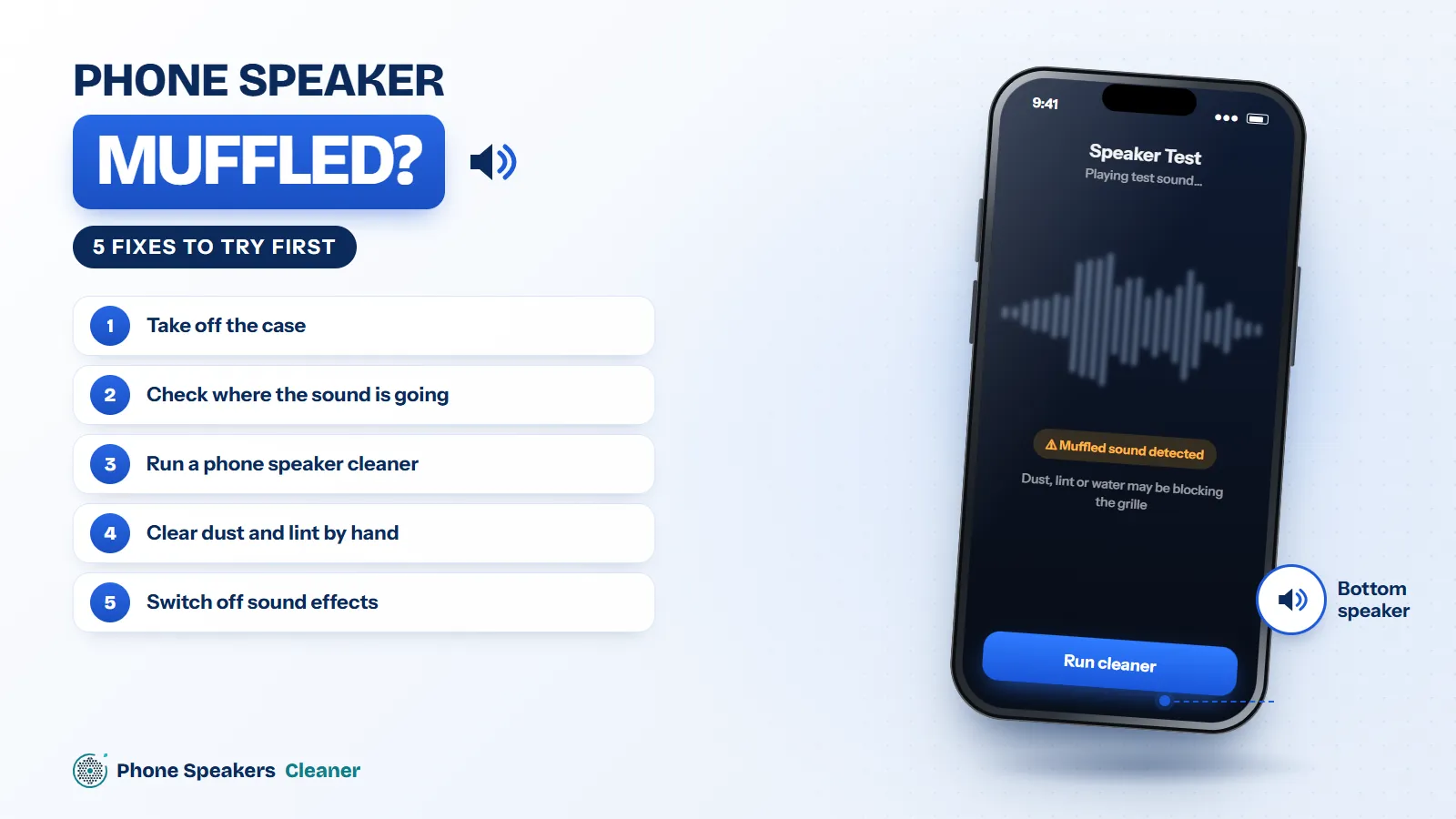
1. Take off the case
Cheap or worn cases sometimes slide out of line and cover part of the bottom grille. Thick screen protectors can do the same to the earpiece. Remove both, play a song, and listen. If the sound opens up, you’ve found it.
2. Check where the sound is going
A forgotten Bluetooth connection, a car stereo or a smart speaker can steal audio without you noticing. Turn Bluetooth off for a moment, restart the phone, and test again.
3. Run a phone speaker cleaner
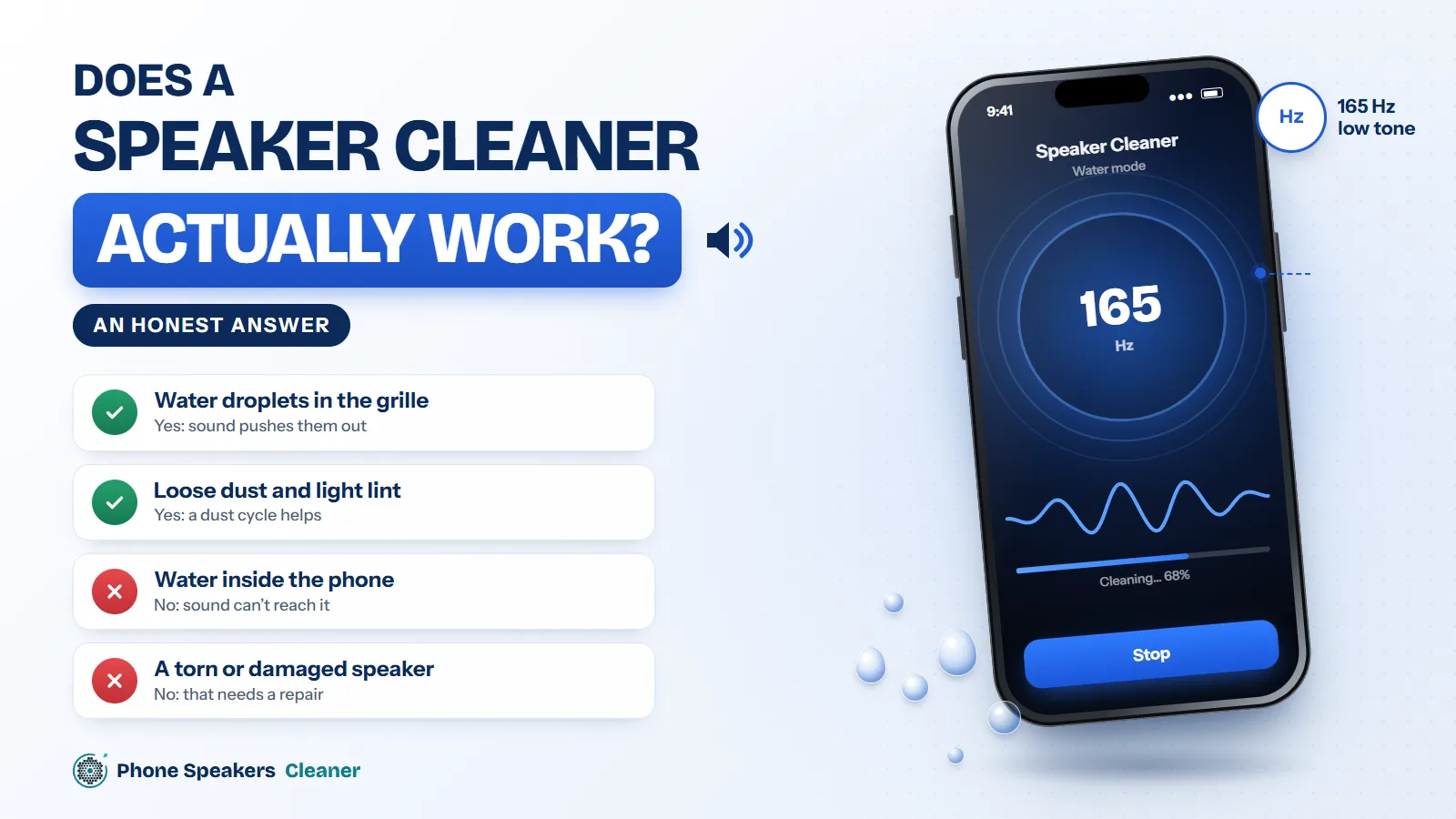
If the muffling started after rain, a shower or a spill, water in the grille is the most likely cause. A phone speaker cleaner plays 165 Hz pulses that push droplets out through the mesh. Hold the phone with the speaker facing down and run two or three cycles, checking the sound between each one.
4. Clear dust and lint by hand
If the sound faded slowly over weeks, lint is a better guess than water. Run a dust cycle first, then brush across the grille with a soft, dry toothbrush. For packed-in lint, press a small piece of blue putty against the holes and lift it straight off. Skip pins and toothpicks; they can tear the mesh.
5. Switch off sound effects
Equalizer presets and “sound enhancement” settings can make a speaker sound boomy or dull. Turn off any equalizer in your music app, and on Android look for Dolby Atmos or sound effects in Settings and switch them off while you test.
Still muffled?
If none of this helps, the speaker may be damaged or water may be inside the phone. Back up your data and take it to a repair shop. Replacing a phone speaker is one of the cheaper repairs, so it’s rarely as bad as it feels.