
Everything in our general muffled speaker guide applies to Samsung phones too. But Galaxy phones have a few extra settings that are worth checking, because they can make a perfectly healthy speaker sound flat.
Look at Sound quality and effects
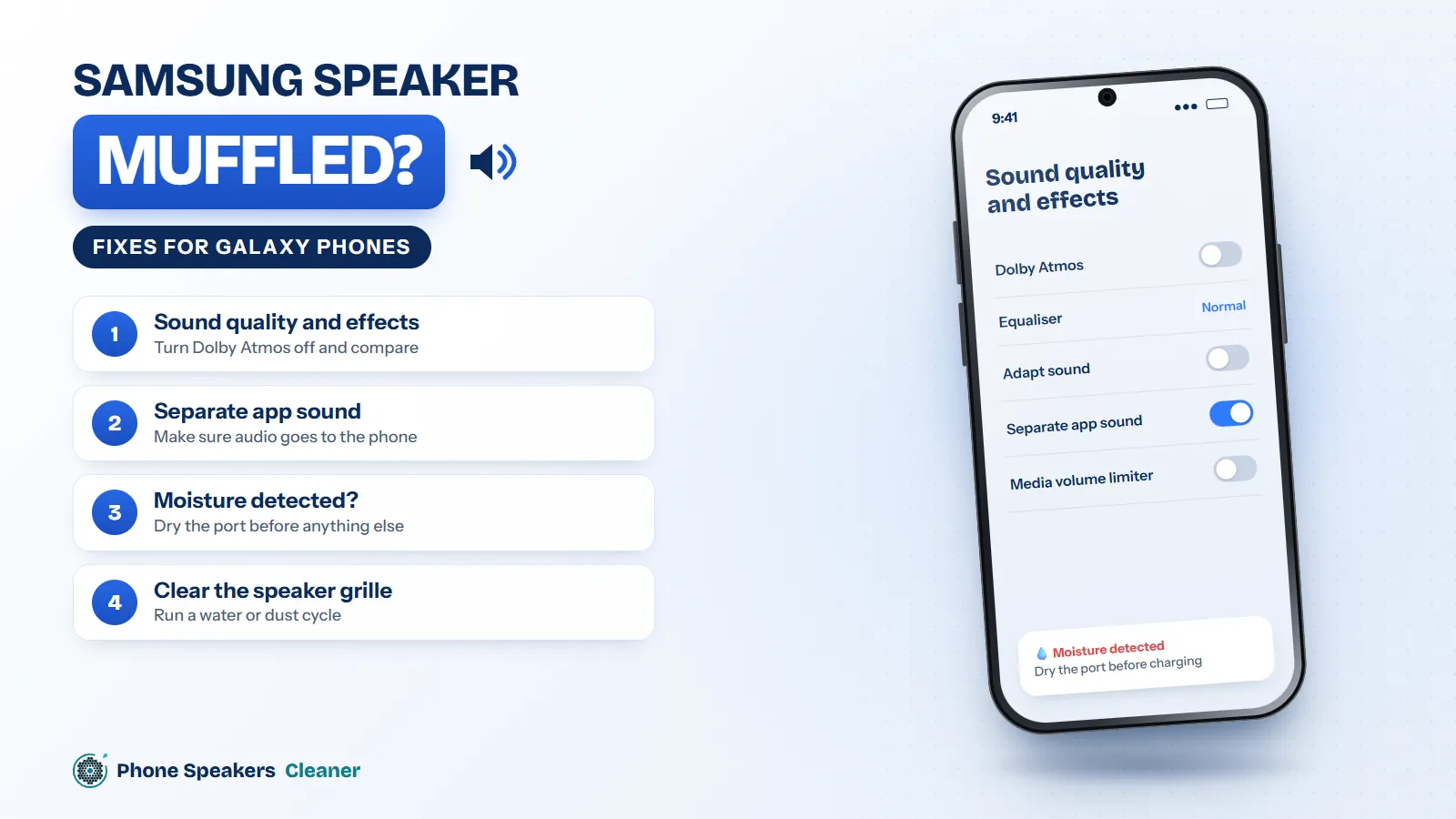
Go to Settings, then Sounds and vibration, then Sound quality and effects. Turn Dolby Atmos off and on and listen to the difference. Check the Equalizer is on Normal. Some people set a custom EQ months ago and forget about it.
Check Separate app sound
This feature lets one app play through a different device, like a Bluetooth speaker. It’s handy until you forget it’s on and wonder why Spotify is silent. You’ll find it in the same Sounds and vibration menu.
Moisture detected? Deal with that first
If your Galaxy shows a “moisture detected” warning when you plug it in, there’s water in the charging port. Unplug, let it dry, and don’t force charging. The speaker sits right next to the port on most models, so if the port is wet, the speaker grille probably is too.
Clear the speaker grille
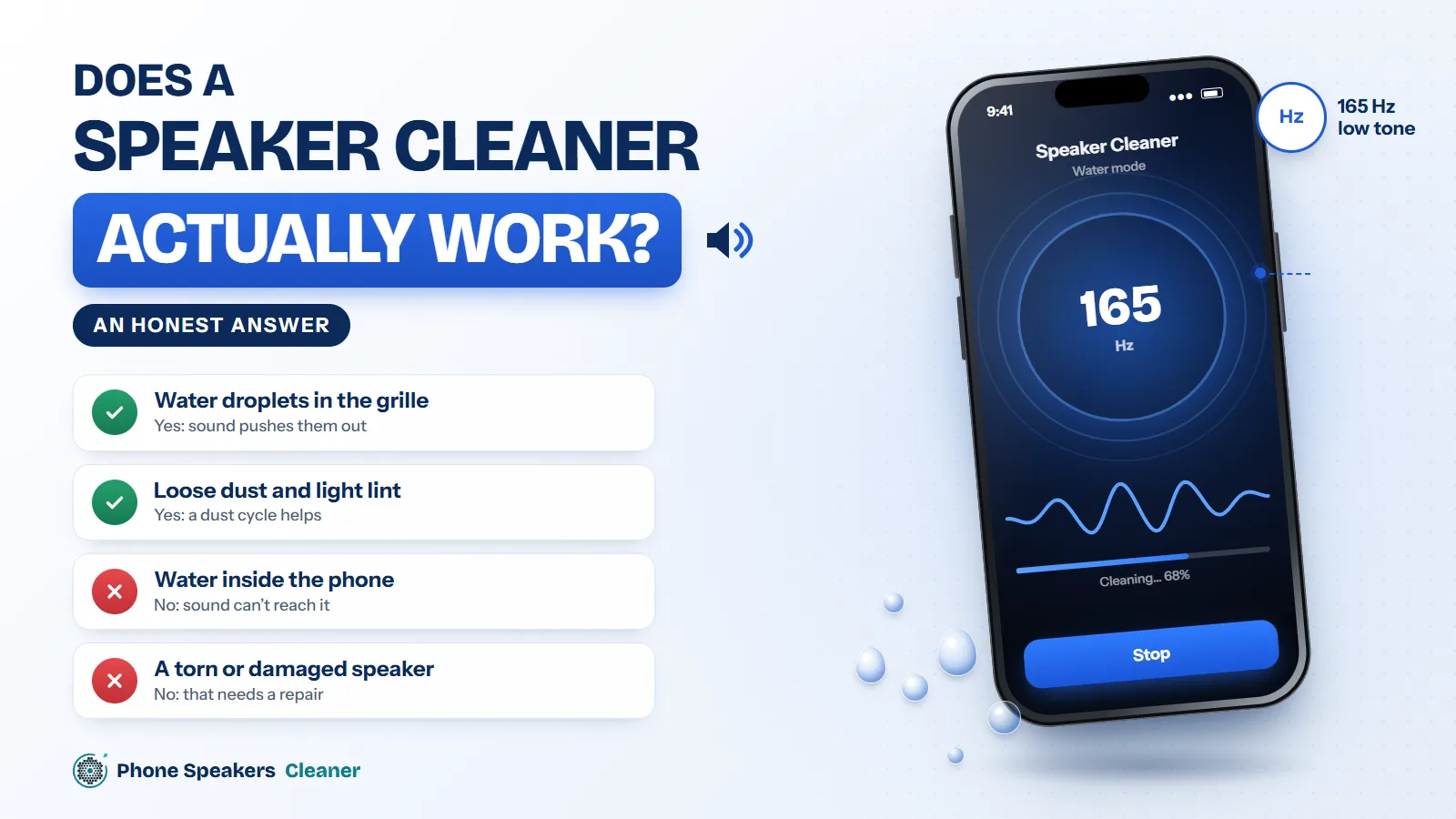
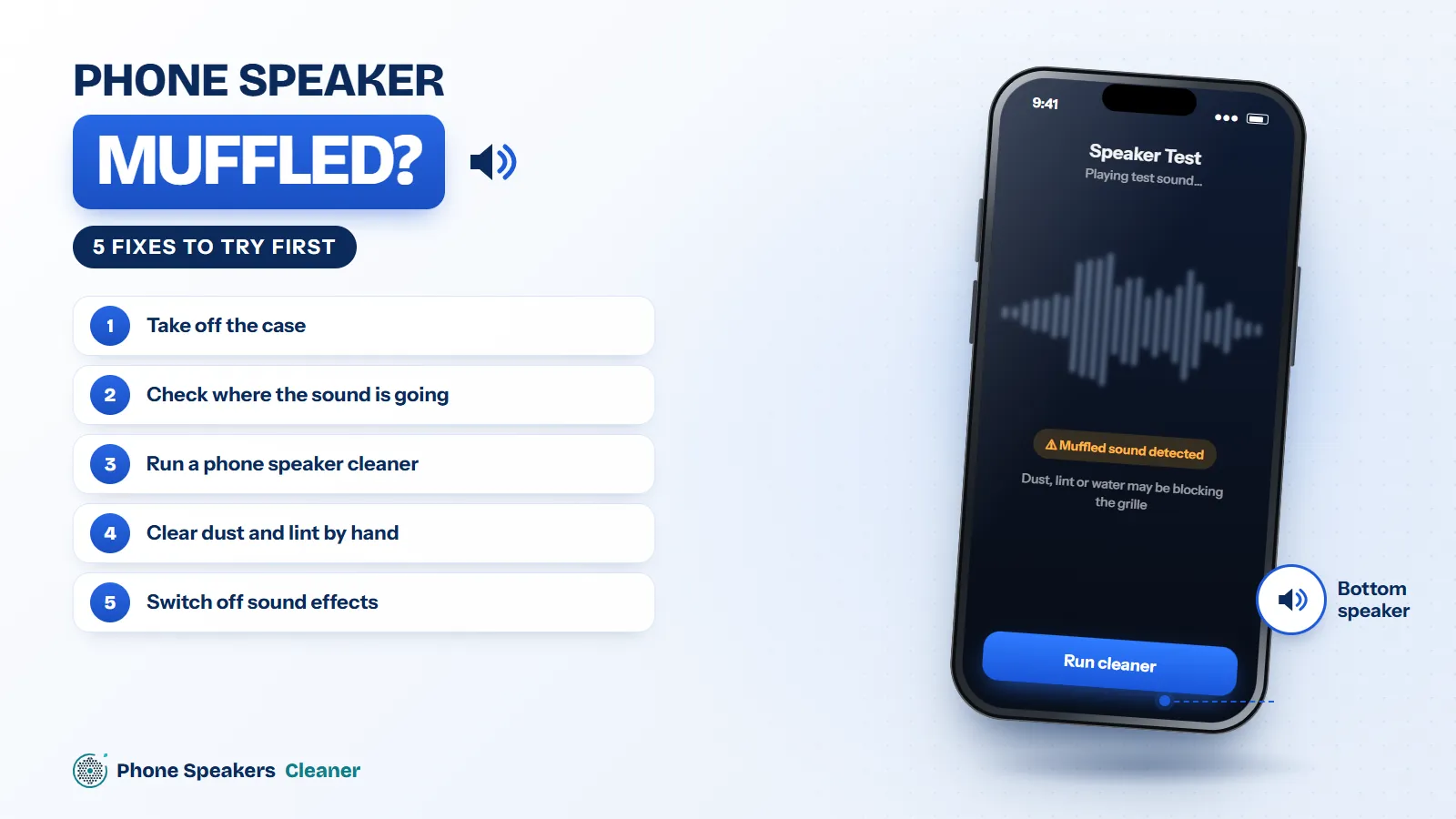
Once the phone is dry enough to use, run the water mode of the phone speaker cleaner with the bottom edge pointing down. Galaxy phones put the main speaker on the bottom edge, so hold the phone upright, speaker toward the floor. Two or three cycles is usually enough.
For dust and lint
If the phone lives in a pocket, lint builds up in that bottom grille. A dust cycle plus a soft, dry toothbrush works well. Samsung’s own advice is to avoid sharp objects and not to blow hard into the openings, which can push debris deeper.
Software check
If the sound went dull right after an update, restart the phone, then try safe mode. If it’s fine in safe mode, an app is interfering. If it’s still muffled everywhere after cleaning, the speaker may need replacing.