
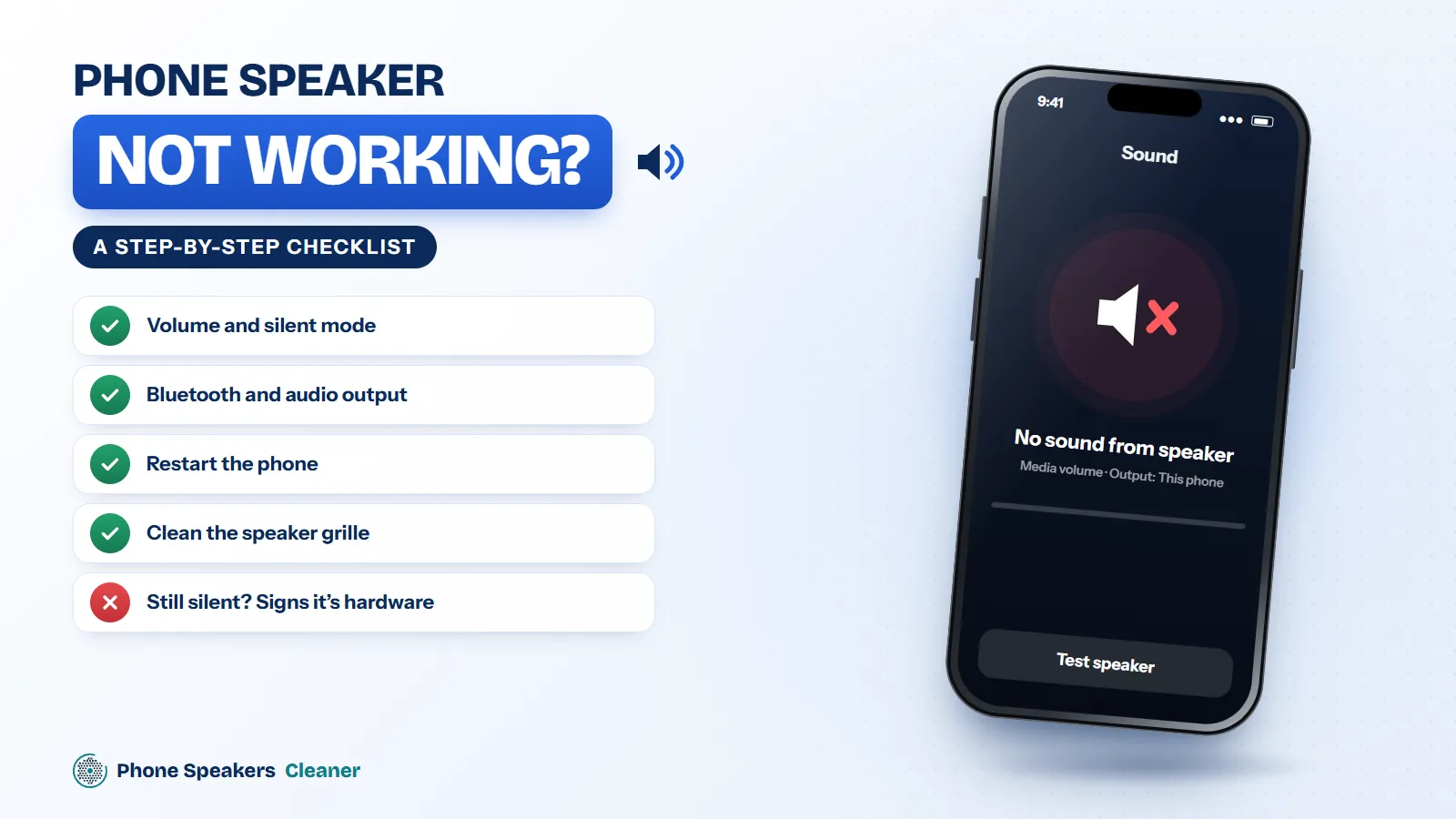
Total silence is scarier than muffled sound, but it’s usually less serious. Most “dead” speakers are muted, routed to another device, or blocked by an app. Go down this list and stop when the sound comes back.
- Check the obvious settings. Raise media volume (not just the ringer), switch off silent mode, and turn off Do Not Disturb. Yes, everyone checks this. Check it anyway.
- Turn Bluetooth off. If audio is going to earbuds sitting in a drawer, your speaker will stay quiet.
- Restart the phone. A stuck audio service is common after updates, and a restart clears it.
- Try more than one app. If sound works in one app but not another, the problem is the app. Update or reinstall it.
- Run a speaker test. The speaker sound test plays beeps on the left, right and both speakers. If you hear one but not the other, you’ve narrowed it down to a single speaker.
- Try safe mode on Android. Safe mode turns off downloaded apps. If sound returns there, an app is grabbing the audio.
- Clean the grille. A grille fully blocked by water or lint can make the speaker sound almost silent. Run the phone speaker cleaner for two or three cycles.
- Update the software. Audio bugs get fixed in system updates more often than you’d think.
Signs it’s hardware
If calls through the earpiece work fine but nothing comes from the bottom speaker in any app, even after a restart and an update, the speaker or its connection has probably failed. That’s a job for a repair shop, and it’s usually a quick one.