
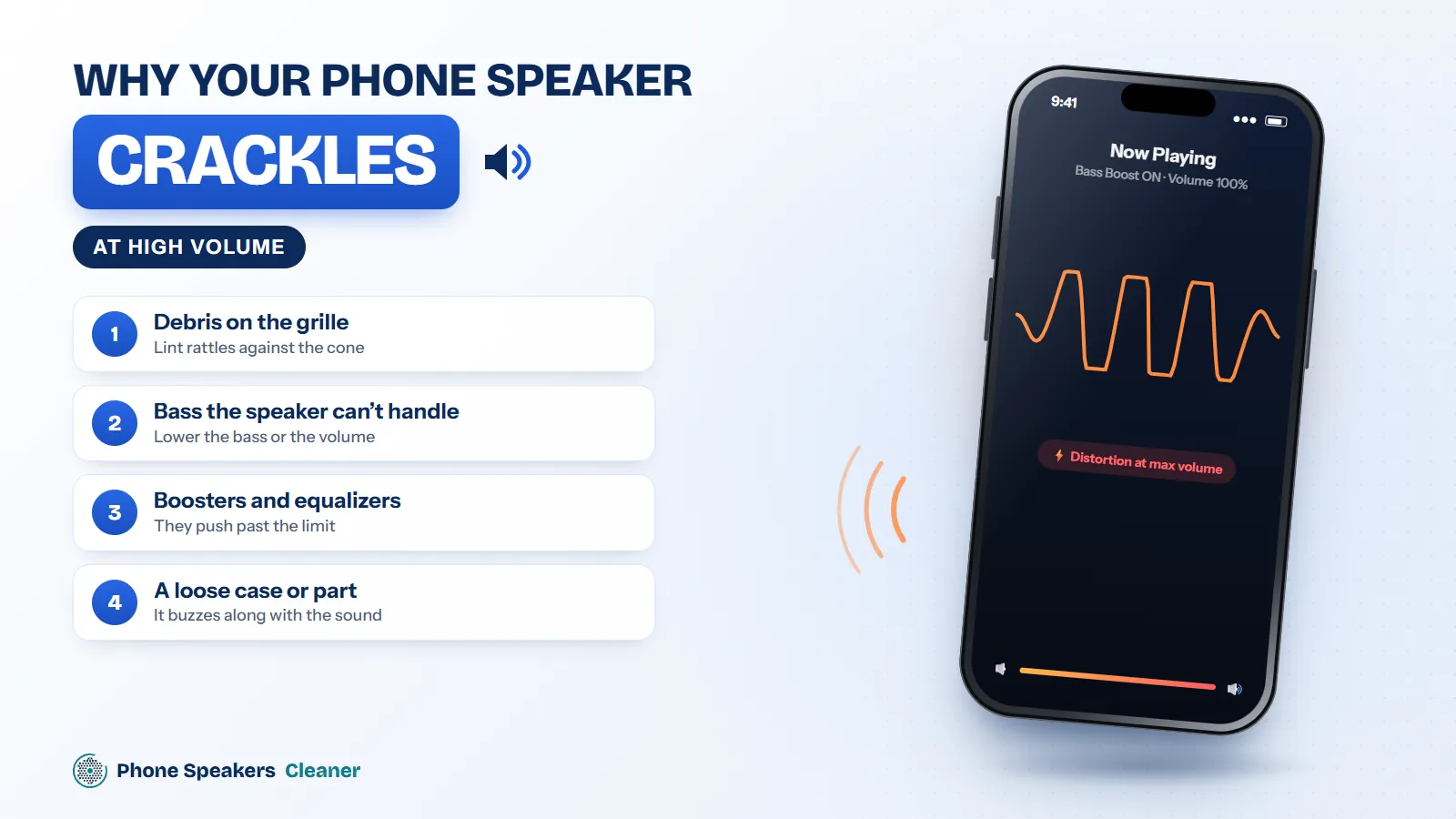
A phone speaker is tiny, and at full volume its cone moves about as far as it can. Anything that gets in the way, or anything that pushes it past its limit, turns clean sound into crackle. The fix depends on which one is happening.
Debris on the grille
Dust and lint rattle against the mesh when bass notes hit. The crackle often shows up on certain songs but not others. Run a dust cycle with the phone speaker cleaner, then brush the grille gently.
Bass the speaker can’t handle
Phone speakers can’t reproduce deep bass well. Bass-heavy tracks at full volume push the cone too far and it distorts. Try the same song at 80% volume. If the crackle disappears, the speaker is fine and simply at its limit.
Volume boosters and equalizers
Apps and settings that boost volume past the normal maximum can overload the speaker. Turn them off and test again.
A loose case or part
Sometimes it isn’t the speaker at all. A case, a loose camera cover or a cracked back panel can buzz along with the sound. Take the case off and press lightly around the speaker while music plays.
How to find the frequency
Play the 20 Hz to 20 kHz sweep in the speaker sound test. If the rattle appears at one point in the sweep and then goes away, debris or a loose part is likely. If everything distorts from the start, the speaker may be damaged.
When it’s worn out
A speaker that crackles at every volume, even after cleaning and with sound effects off, usually has a damaged cone. Replacement is the fix.