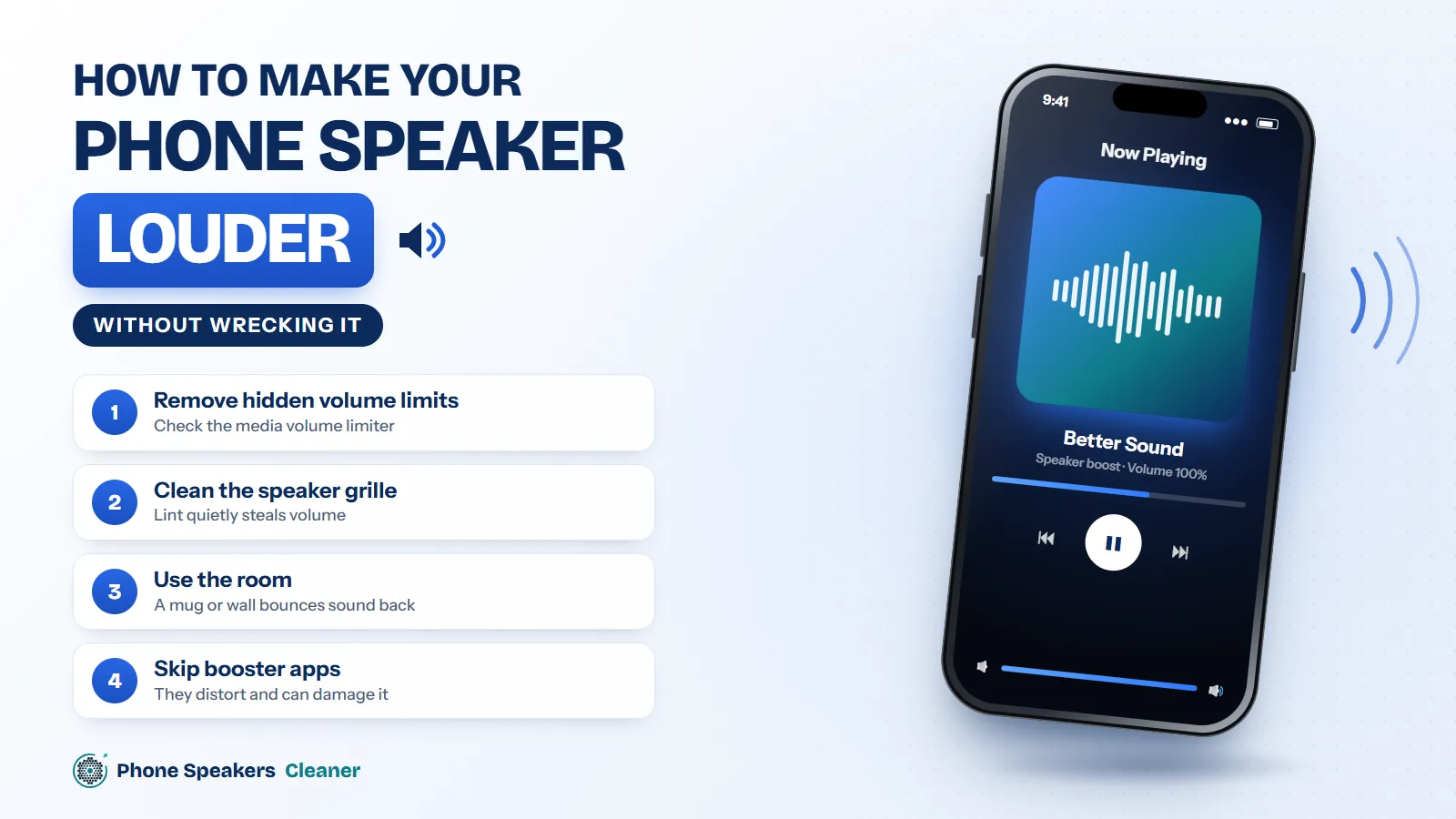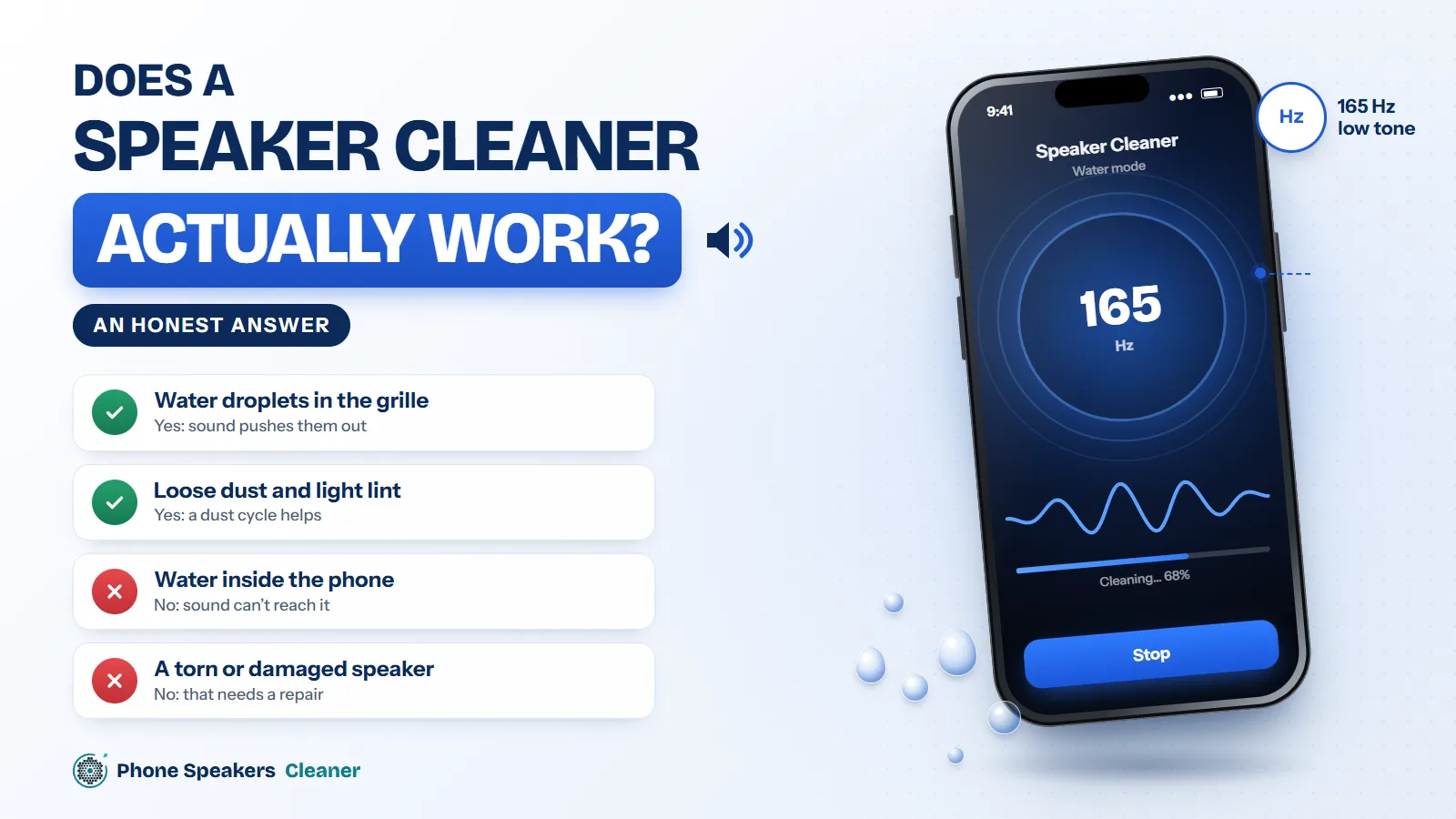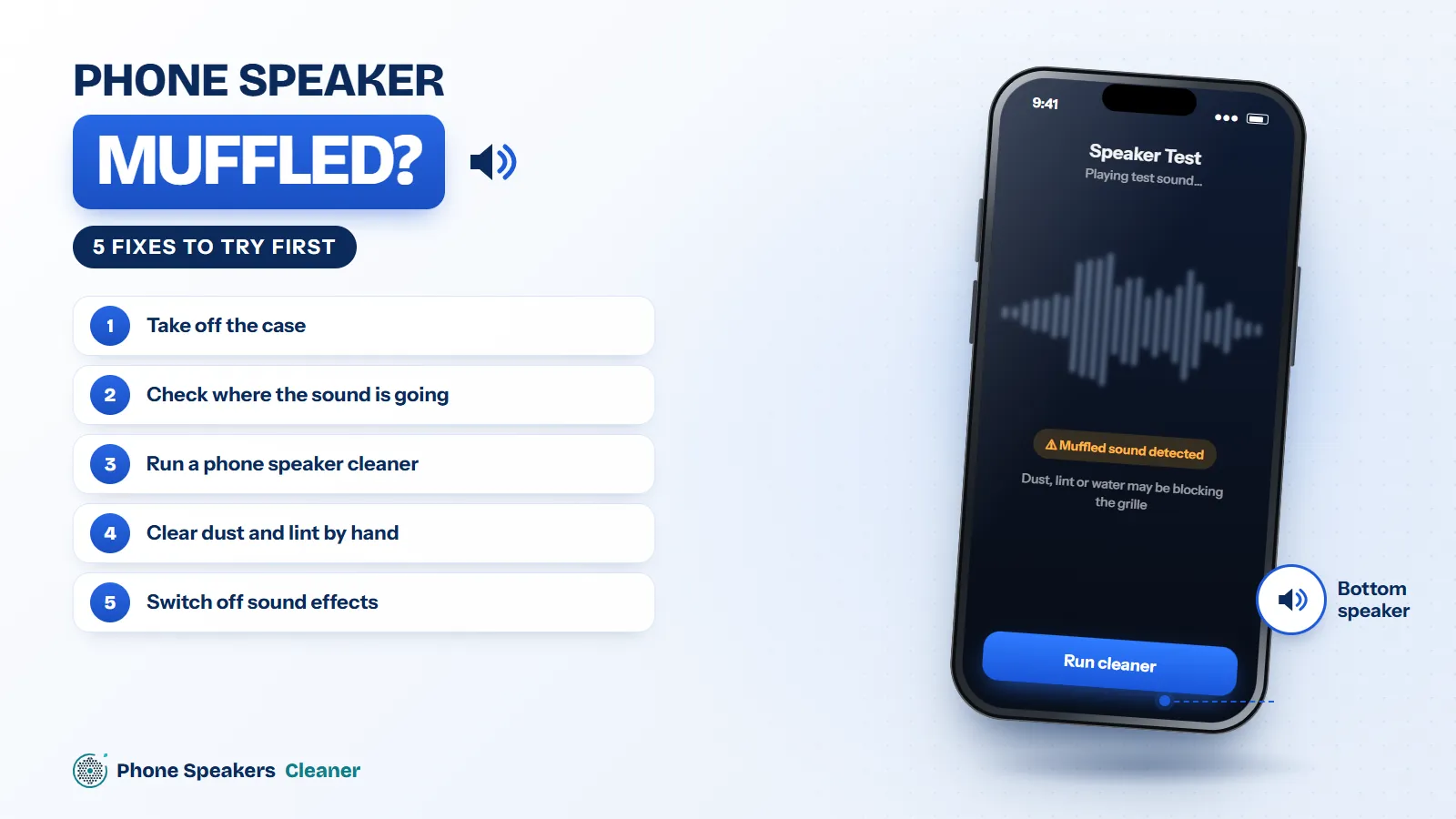

Music and videos sound clear, but every call sounds distant and dull. That split is a useful clue, because calls usually play through a different part of the phone than music does.
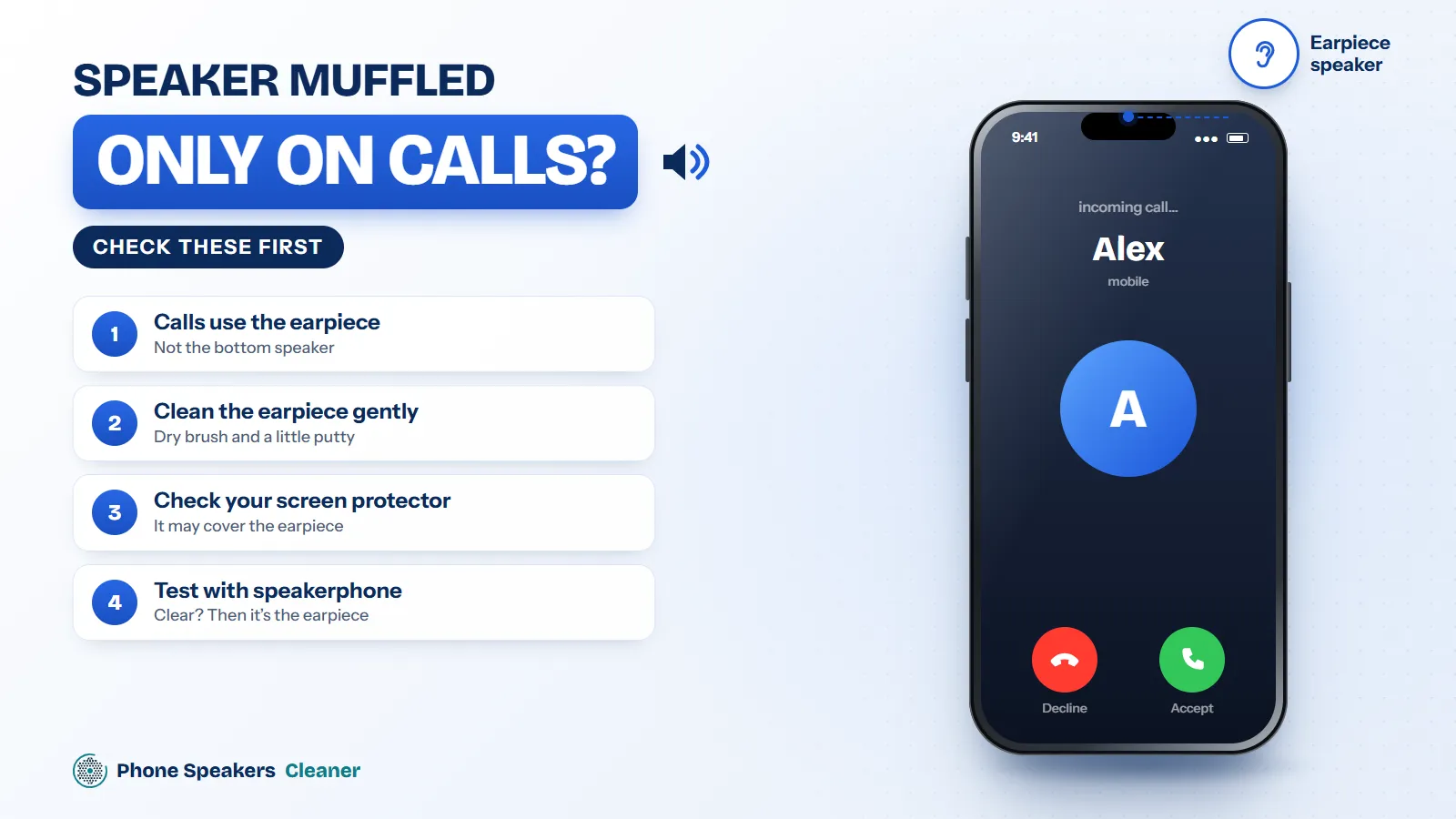
Calls use the earpiece
When you hold the phone to your ear, sound comes from the small earpiece at the top, not the main speaker at the bottom. The earpiece mesh sits against your skin, so it picks up oil, makeup and fine dust much faster.
Clean the earpiece gently
Brush across the earpiece slot with a soft, dry toothbrush. Don’t push liquid or sharp tools into it. Websites play sound through the main speaker, so a browser-based cleaner usually can’t target the earpiece directly. We’ve got a full guide on cleaning the earpiece.
Check your screen protector
A protector without a proper cutout, or one that has shifted, can partly cover the earpiece. Peel back the top edge and make a test call.
It might be the network
Call quality depends on the connection. If calls are muffled with some people but not others, or only in certain places, it’s the network. Turn on HD calling or VoLTE in your settings, or try Wi-Fi calling.
Test with speakerphone
Switch to speakerphone during a call. If it suddenly sounds clear, the earpiece is the problem. If it’s still muffled, look at the network or the other person’s phone.