
iPhone speaker grilles are small and the mesh behind them is delicate. The good news is you don’t need much to clean them properly, and the safest method is also the easiest.
What you’ll need
- A soft, dry toothbrush (a new one, or a clean one that’s been dried completely)
- A small piece of blue putty, like Blu Tack, for packed-in lint
- A lint-free cloth
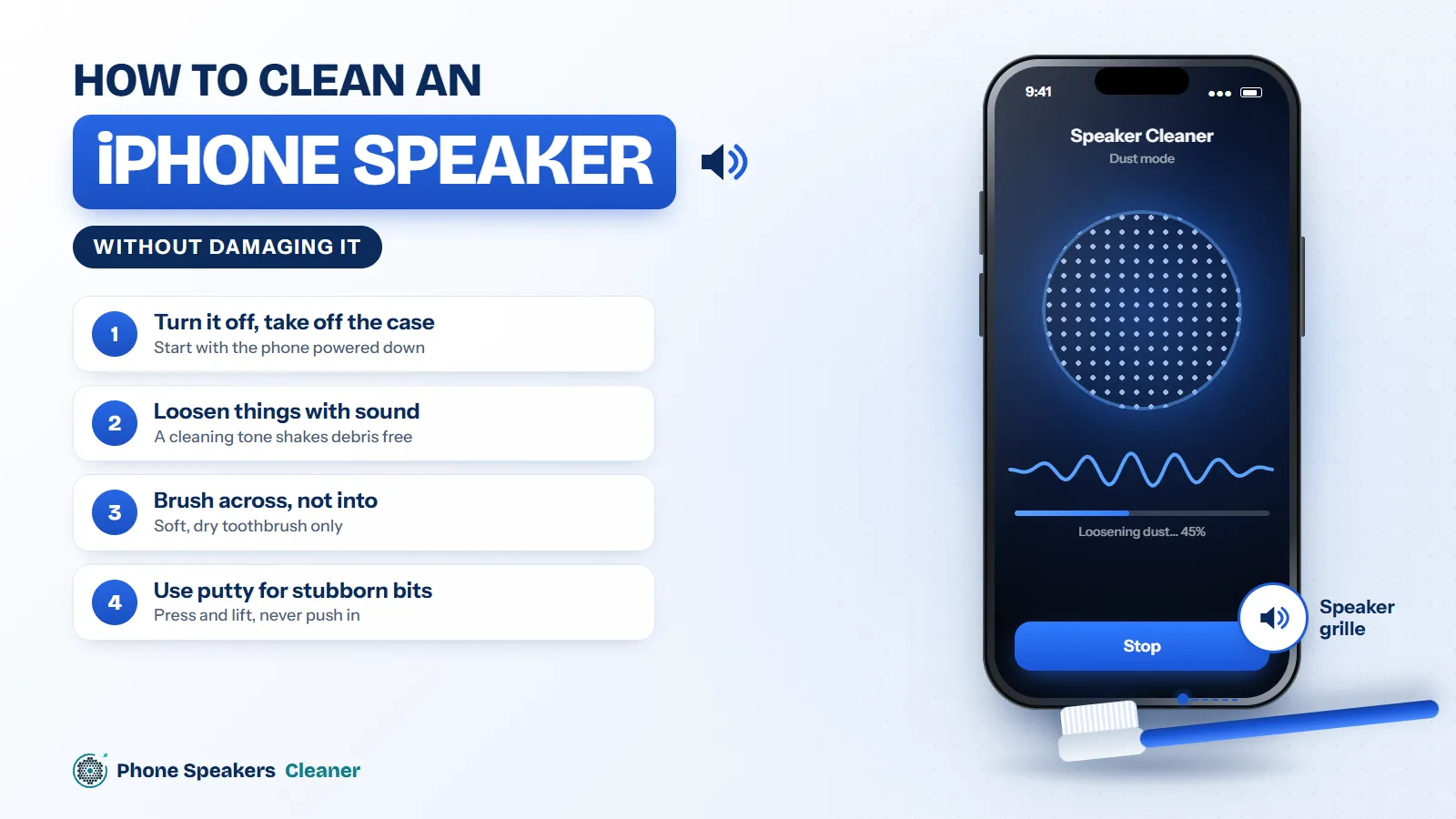
Step 1: Turn off and take off the case
You don’t strictly need to power off, but it stops accidental taps. Remove the case so you can reach the bottom edge properly.
Step 2: Loosen things with sound
Open the phone speaker cleaner in Safari, turn silent mode off, put the volume up and run the dust mode. This shakes loose particles away from the mesh so the brush has an easier job. If the phone has been wet recently, run the water mode first.
Step 3: Brush across, not into
Hold the phone with the speaker pointing down. Brush gently side to side across the grille, so anything you loosen falls out instead of being pushed in. No pressure needed. Do the earpiece at the top the same way.
Step 4: Use putty for stubborn bits
Roll the putty into a small ball, press it lightly against the grille and lift it straight off. Check the putty, use a clean side, and repeat until nothing comes away. Don’t press hard or leave it sitting there, because it can leave residue.
What not to use
Pins, needles, toothpicks and paper clips can poke straight through the mesh. Compressed air can force debris deeper and Apple advises against it. Liquids, including alcohol, shouldn’t go into the openings at all.
Check your work
Play something you know well, ideally with vocals, and compare. You can also run the speaker sound test to check the top and bottom speakers separately. If one side still sounds weak, see why one speaker can sound quieter than the other.